Slides.
Explore the possibilities.
Create slide presentations with text, pictures, shapes, tables, charts, transitions and speaker notes. Edit in the browser, present from the current slide, and download an editable deck or a PDF.
Open Slides ↗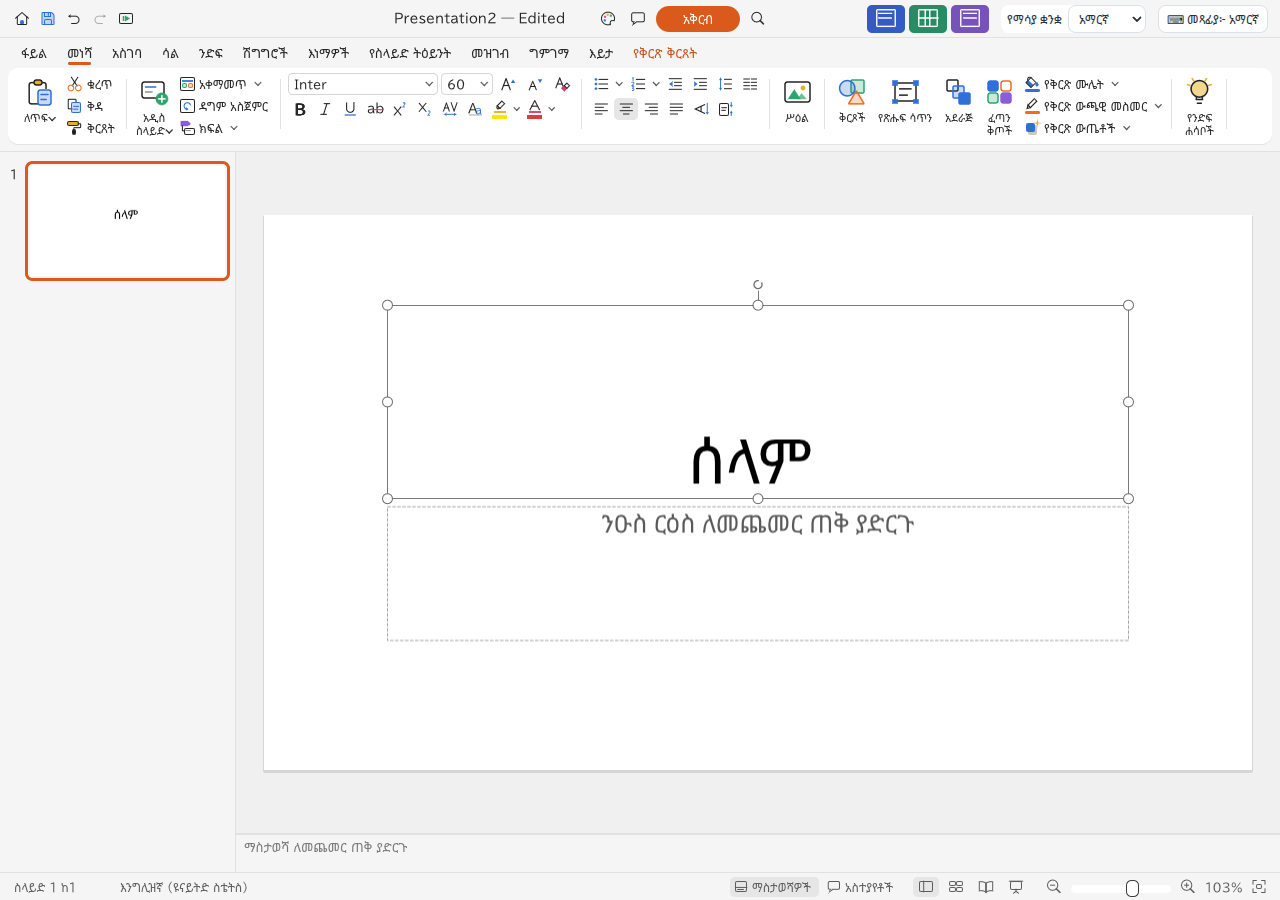
Feature guides
Create, open and save presentations
Start a presentation, open an existing deck, and keep an editable downloaded copy.
Feature guideOrganize slides, layouts and themes
Build a consistent deck with slide layouts, sections, theme choices and master editing.
Feature guideWrite and format slide text
Add text boxes, style words and paragraphs, and create readable lists.
Feature guideDraw, style and arrange slide objects
Use shapes, connectors, grouping and alignment to build clear diagrams.
Feature guideInsert pictures and embedded media
Place images, adjust crops and understand the browser media limits.
Feature guidePresent data with tables and charts
Create tabular content and charts directly on presentation slides.
Feature guideAnimate objects and transition between slides
Control when objects appear and how the presentation advances.
Feature guidePresent slides, write notes and review content
Prepare speaker notes, run the slide show and check the deck before sharing.
Feature guideExport presentations, PDFs and slide images
Download the right format for continued editing, viewing or printing.
Detailed reference
Open, save, and share
| Format | Open / import | Save / export | Notes |
|---|---|---|---|
| deckcraft | Yes | Yes | Native editable presentation; Save downloads a file. |
| pptx | Yes | Yes | Editable exchange; complex imported features need visual review. |
| potx / ppsx | Yes | No | Accepted by the presentation picker; output is normal PPTX rather than these specialized package types. |
| txt / md outlines | Yes | No | Outline import; plain TXT outline export is listed separately. |
| txt outline | No | Yes | Textual outline export. |
| No | Yes | Static export and print download; artwork is rasterized. | |
| png / jpg | Yes | Yes | Import pictures; browser export produces the active slide image. |
| gif / webp / bmp / tif / tiff | Yes | No | Picture import. |
| audio / video files | Yes | No | Embedding supported for picker formats; browser player has no audio output. |
Browser limitations
- The browser saves through downloads and does not automatically overwrite local originals.
- Media can play silently because this web build has no audio output backend.
- Browser PNG export renders the current slide even when the shared export path receives an all-slides option.
- PDF artwork is rasterized rather than fully vector.
- Legacy PPT, ODP and macro-enabled PowerPoint formats are not advertised by the browser picker.
- SVG is not supported by the picture picker; imported SVG may depend on a raster fallback.
- Complex PPTX fidelity, embedded fonts and some review/media timing metadata have known interoperability gaps.
- Desktop TCP control/MCP access and operating-system integrations are not browser features.
Frequently asked questions
Can I edit a PowerPoint presentation online?
Deck opens PPTX files in the browser and exports PPTX. Review complex layouts, fonts, charts, media and animation after import or export; full fidelity is not guaranteed.
Where does Save put my presentation?
Save downloads an editable file through your browser. It does not overwrite the source file on your device. Keep the download before closing or refreshing the editor.
Can I print slides from the browser?
The Print action downloads a PDF. Open it in a PDF viewer and use that viewer’s print dialog.
Does presentation audio work in the browser?
This build can embed audio and store playback settings, but the web media host does not supply audio output. Playback can advance silently.
Can I add speaker notes and comments?
Yes. Notes support preparation and notes views; comments support replies and resolved threads. These document features do not imply live collaboration.
Can I download every slide as an image?
The shipped browser export branch renders the active slide as PNG or JPEG. Use PDF for a complete static deck, or export slides individually.